Kingmaker mobile access in Australia
Kingmaker Mobile Australia: Browser Experience and App Status
 Available in AU
Kingmaker can be accessed through a mobile browser, and the site provides Android and iOS instructions for adding the website to a phone’s home screen. A native real-money Kingmaker app for iOS or Android is not confirmed by the official site or the app-store listings reviewed here. Apps with similar names do appear in search results, but those listings do not establish that they are the real-money Kingmaker.com service.
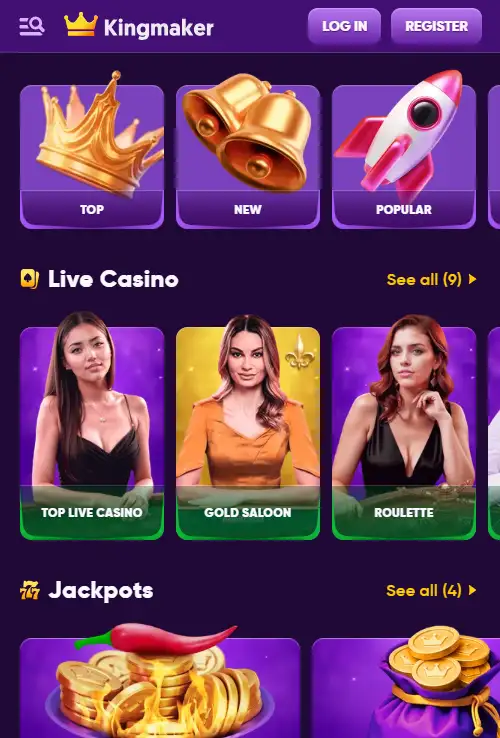
Table of Contents
- Using Kingmaker in a mobile browser
- Kingmaker home-screen shortcut for Android and iOS
- Native iOS and Android real-money app status
- Why similarly named store apps can be misleading
- What you can use through the mobile website
- How to add Kingmaker to the home screen
- Why third-party APK mirrors are not listed
- Browser shortcut versus native app: the important differences
- Kingmaker mobile and app-store pages
- Kingmaker mobile access without a confirmed native app
Using Kingmaker in a mobile browser
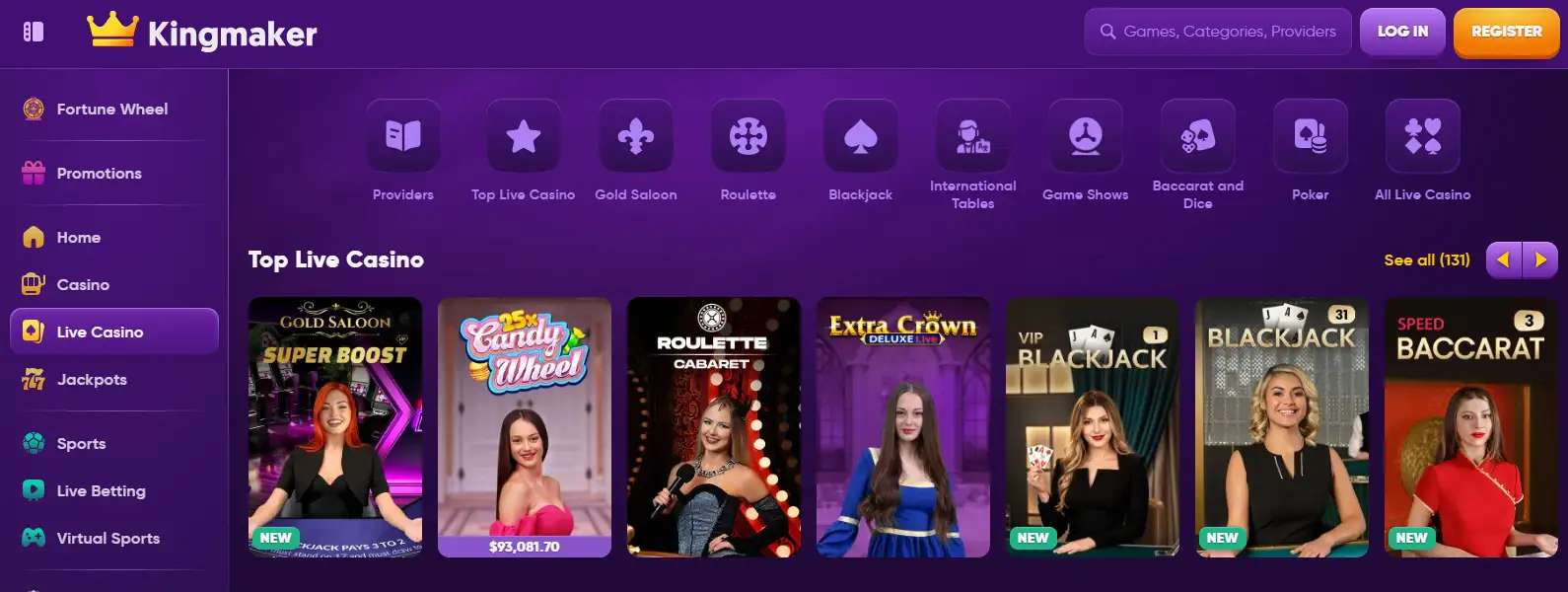
The AU site is accessible through the same Kingmaker web routes used on desktop, including the games and live-casino areas. Kingmaker’s AU Live Casino page states that the service can be used on a smart device or computer, so mobile access does not require a native app.
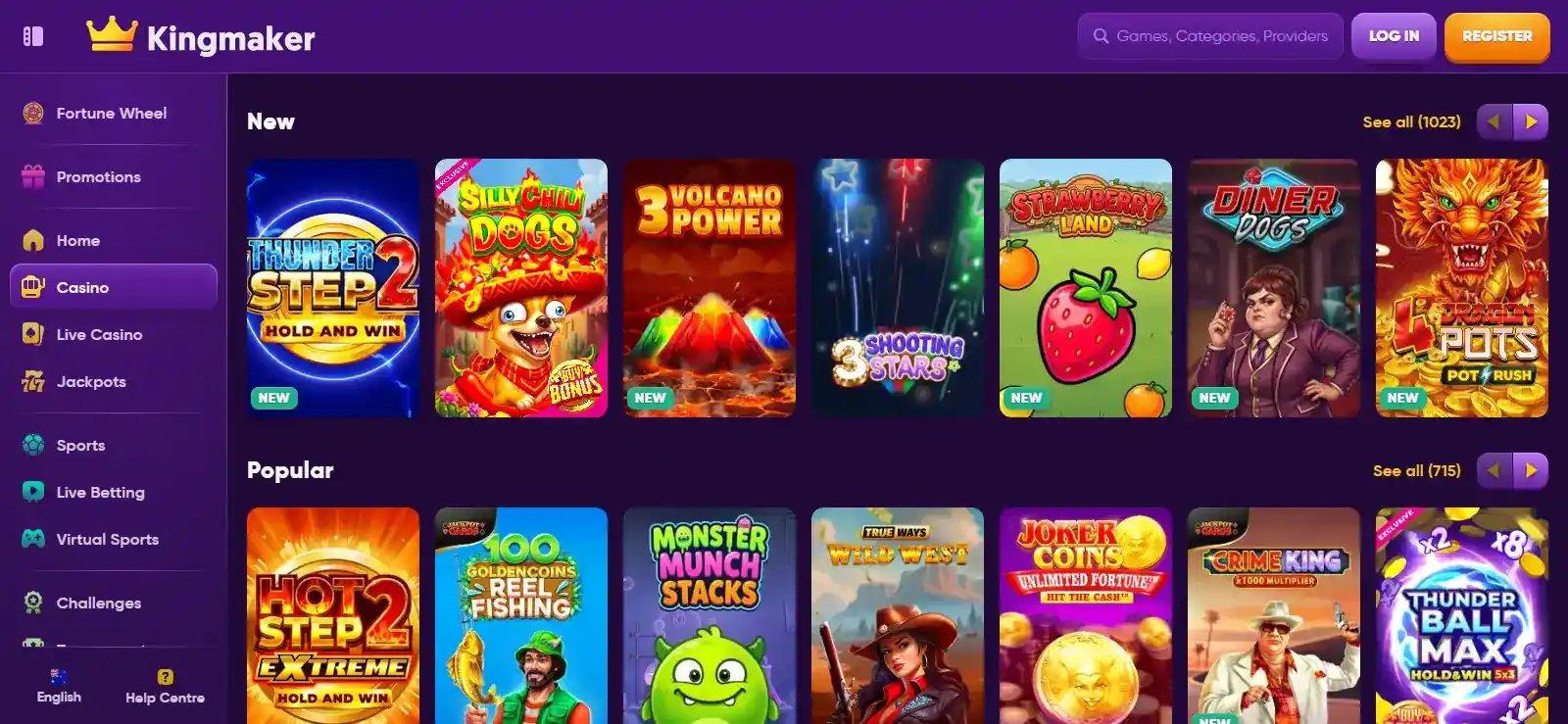
The mobile site includes the same broad navigation areas seen on desktop, including Casino, Live Casino, Jackpots and Sports, together with game categories and provider browsing. The layout can adapt to a smaller screen, but the main service remains available through the web without requiring an app download for basic access.
For more detail on the casino catalogue, see the separate games and pokies page. This section focuses on mobile access and how the service is delivered on phones and tablets.
Kingmaker home-screen shortcut for Android and iOS
Kingmaker publishes a dedicated AU page titled “Create Shortcut”. For Android, it gives browser instructions for Google Chrome and Samsung Internet to add the site to the home screen. For iOS, it describes using the browser share menu and the Add to Home Screen option.
This explains why a Kingmaker icon can appear on a phone even without a native app. The shortcut simply opens the website from the home screen, making repeat access more convenient while keeping the service browser-based.
Native iOS and Android real-money app status
The official Kingmaker site and the app-store listings reviewed here do not confirm a native iOS or Android real-money app for Kingmaker.com. Apps with similar names exist, but a matching name alone is not enough to show that they belong to the same service, especially when the developer, product description or gambling features differ.
For that reason, there is no App Store download link, Google Play install link, APK mirror or sideloading guide here. An app using the word Kingmaker should not automatically be assumed to be connected to the casino website.
This is especially important for searches such as “Kingmaker APK”. An APK is an Android installation package, but a downloadable file hosted on an unrelated website does not show that it is authorised, up to date or safe to install.
Why similarly named store apps can be misleading
A Google Play result named “Kingmaker Casino” is published by Emetigo and describes a casino-game discovery and news product with demo play and no account requirement. The listing presents it as simulated gambling rather than the Kingmaker.com real-money account service, so it should not be confused with an official native casino app.
Apple search results also show an app called “The Kingmaker” from XORKET LTD. Its listing describes a social simulated game with no real-money gambling, deposits or cash prizes. The similar name does not establish a connection to Kingmaker.com.
The important question is whether the official Kingmaker site identifies the app, whether the listed developer matches the service, and whether the store description clearly refers to the same real-money product. Those links are not established here, so a native Kingmaker real-money app remains unconfirmed.
What you can use through the mobile website
Because the AU pages load through normal web routes, mobile users can reach game navigation, live-casino categories, promotions, help content and public information pages from a browser. The site footer also includes Live Chat, with 24/7 availability noted elsewhere in the service information.
The main mobile features are available through the browser, but individual games, payment methods and account controls may not behave identically on every device. Compatibility can vary with the game provider, browser version and the cashier options available to a particular account.
Mobile access does not bypass identity checks or transaction reviews. The account verification page covers KYC requirements, while the Australian regulatory position page explains the separate question of local licensing.
How to add Kingmaker to the home screen
Kingmaker’s own Create Shortcut page gives separate instructions for Android in Google Chrome, Android in Samsung Internet and iOS. In Chrome, the published flow uses the browser menu and the Add to Home Screen option before confirming the icon. In Samsung Internet, Kingmaker directs users through the browser menu, Add Page To and then Home Screen. On iOS, the instructions use the browser share control followed by Add to Home Screen.
These instructions describe a browser page placed behind a home-screen icon rather than a separate download from Google Play or Apple’s App Store. The result can feel app-like, but it still loads the same Kingmaker website and account environment through the browser.
The shortcut instructions are available on Kingmaker’s own domain, so users do not need to rely on APK repositories or similarly named store listings for quick mobile access. This does not rule out a native app in the future; it simply describes the mobile access option Kingmaker provides through its website.
Why third-party APK mirrors are not listed
When an official native package is not established, third-party APK repositories create more questions than they answer. They can host unrelated apps, outdated versions or files whose provenance is difficult to establish. A search result or mirror description is not equivalent to an official release statement from Kingmaker.
For that reason, APK mirrors, alternate domains and installation workarounds are not listed here. Without a confirmed official native app, an unverified package should not be treated as a reliable way to access Kingmaker.
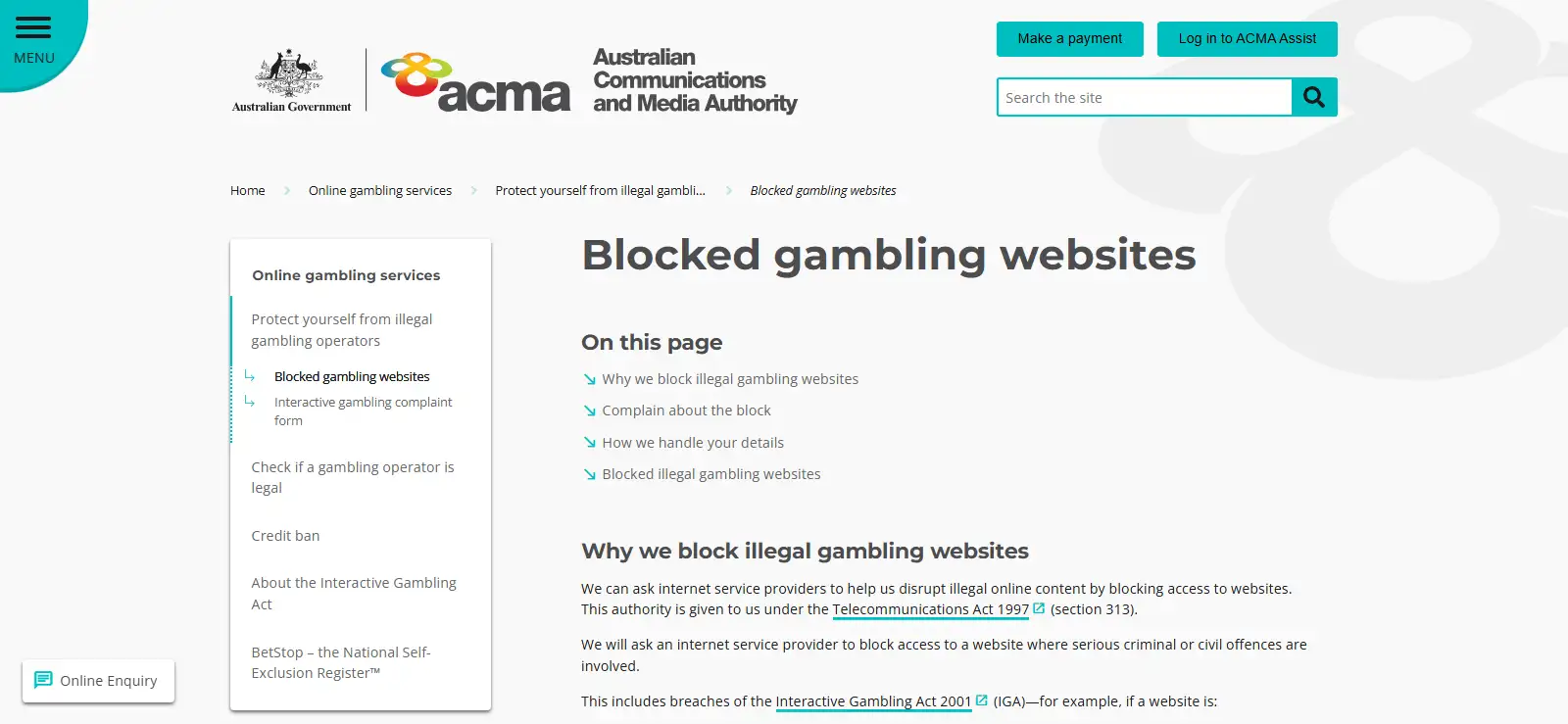
Kingmaker also has an ACMA enforcement and blocking history, so this page does not provide instructions for bypassing access restrictions or locating replacement domains.
Browser shortcut versus native app: the important differences
| Question | Kingmaker mobile web / shortcut | Native real-money app |
|---|---|---|
| Official Kingmaker support | Yes – AU web pages and Create Shortcut instructions | Not confirmed by Kingmaker’s documented sources |
| Android support | Browser access and home-screen shortcut instructions | No official native real-money listing confirmed |
| iOS support | Browser access and Add to Home Screen instructions | No official native real-money listing confirmed |
| Needs an APK | No | No official package is confirmed here |
| Same underlying website | Yes | A native app would need separate confirmation |
The difference is straightforward: a shortcut makes the website easier to open, while a native app is separately installed software. The two should not be treated as the same thing.
Kingmaker mobile and app-store pages
Kingmaker’s AU games, Live Casino and Create Shortcut pages describe the browser-based mobile experience. The app-store links below show why similarly named apps should not automatically be treated as an official Kingmaker real-money application.
- Kingmaker – AU games route
- Kingmaker – AU Live Casino route
- Kingmaker – Create Shortcut for Android and iOS
- Google Play – similarly named Kingmaker Casino listing
- Apple App Store – similarly named The Kingmaker listing
- Kingmaker review
Kingmaker mobile access without a confirmed native app
Kingmaker provides mobile access through its AU website, and the Live Casino page refers to use on smart devices. The official shortcut guide also shows Android and iOS users how to place the website on their home screen. A native real-money Kingmaker.com app is not confirmed by an official store listing, and similarly named apps in Google Play or the App Store appear to describe simulated or unrelated products. For Australian users, the service is best described as browser-based mobile access with an official home-screen shortcut option rather than a confirmed native casino app.
Published by the Kingmaker Casino team.